# Signal Navigation
> Signal navigation components: sg-tabs and sg-accordion, with examples and tables of attributes, methods and events.
Source: https://sendbroadcast.net/docs/signal-navigation
> Coming in Broadcast 3.0. Until then, this page applies only to the Upcoming (edge) build.
These components split a page into parts.
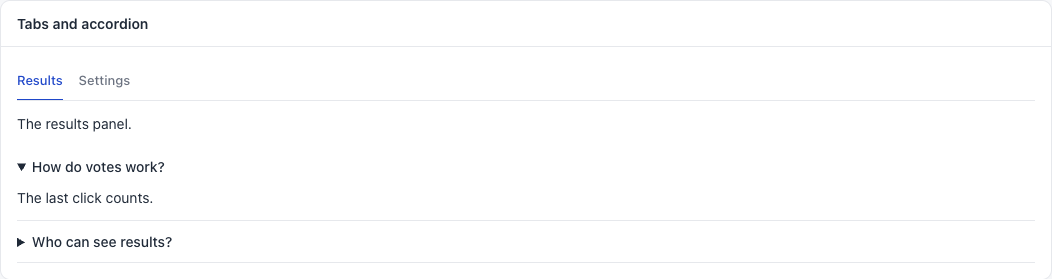
## sg-tabs
Panels with a tab for each one. The arrow keys move between tabs.
```html
The results panel.
The settings panel.
```
```javascript
document.getElementById("tabs").addEventListener("sg-tab", (event) => {
console.log(event.detail.index, event.detail.value);
});
```
Each child is one panel:
| Child attribute | Meaning |
|---|---|
| `label` | The tab text |
| `value` | Your own name for the tab, sent in the event |
| `selected` | Open at the start. The default is the first panel |
| Method | Meaning |
|---|---|
| `select(index)` | Opens a panel. Add `false` as a second value to send no event |
| Event | `detail` | When |
|---|---|---|
| `sg-tab` | `{ index, value }` | The tab changed |
**Common mistakes.** Adding a panel after the tabs draw: it gets no tab. Using tabs for steps that must go in order. Using more than five tabs.
## sg-accordion
Sections that open and close. Good for help text and for details that most people skip.
```html
The last click counts.
People with access to this plugin.
```
| Child attribute | Meaning |
|---|---|
| `label` | The heading |
| `open` | Open at the start |
It has no events and no methods. Several sections can be open at once.
**Common mistake.** Hiding the main content in an accordion. If most people need it, show it.