A Segment With a Hardcoded Date Is a Segment That Rots
You build a segment called New subscribers. The rule says subscribed after March 1st. It is correct, useful, and precisely targeted. For about a week.
By April it means “everyone from the last two months”. By July it’s most of your list. Nothing broke, nothing errored, and the name at the top still says New subscribers, so you keep sending to it. The segment didn’t fail; it decayed. That’s worse, because failure is visible and decay isn’t.
Every date-based segment has this problem, and the usual fix is a calendar reminder to go edit the date, which nobody sets and nobody honours.
Version 2.6 fixes it properly: segment rules support relative dates.
“30 days ago” instead of “March 1st”
Date rules now have a mode selector: specific date, or relative date. Pick relative, type a number of days, and the rule is evaluated against today every time the segment is calculated.
Subscribed after 30 days ago means the last 30 days, permanently. Tomorrow it means the last 30 days again, having silently dropped the person who is now 31 days old and picked up yesterday’s signups. The segment maintains itself.
It works with the four operators where “a point in time” is the meaningful comparison (before, after, on or before, and on or after) and validation stops you using relative dates with operators where they’d be nonsense, like equals. A relative equals would match a single moving day, which is almost never what anyone means and always a bug when they get it. Rule descriptions render the “days ago” suffix so a glance at the segment tells you it’s relative rather than pinned.
The segments this makes possible
A welcome window that stays a window. Subscribed after 7 days ago is the segment for a “how’s it going so far?” send, and it will still be the right segment in a year.
Re-engagement that fires on the right people. Subscribed before 180 days ago combined with your engagement rules gives you a lapsed-subscriber segment that keeps refilling itself as people age into it. Set up the win-back campaign once; the audience keeps arriving.
Excluding the people you just emailed. Pair a relative date with your other rules so a broadcast can skip anyone who joined in the last few days and is still mid-welcome-sequence. Without relative dates that exclusion needs updating before every send, which means it will be wrong before some send.
The pattern underneath all three: a segment should describe a relationship to now, not a coordinate on a calendar. “New” is a relationship. “After March 1st” is a coordinate that stopped meaning new the moment March ended.
Where 2.6 sits
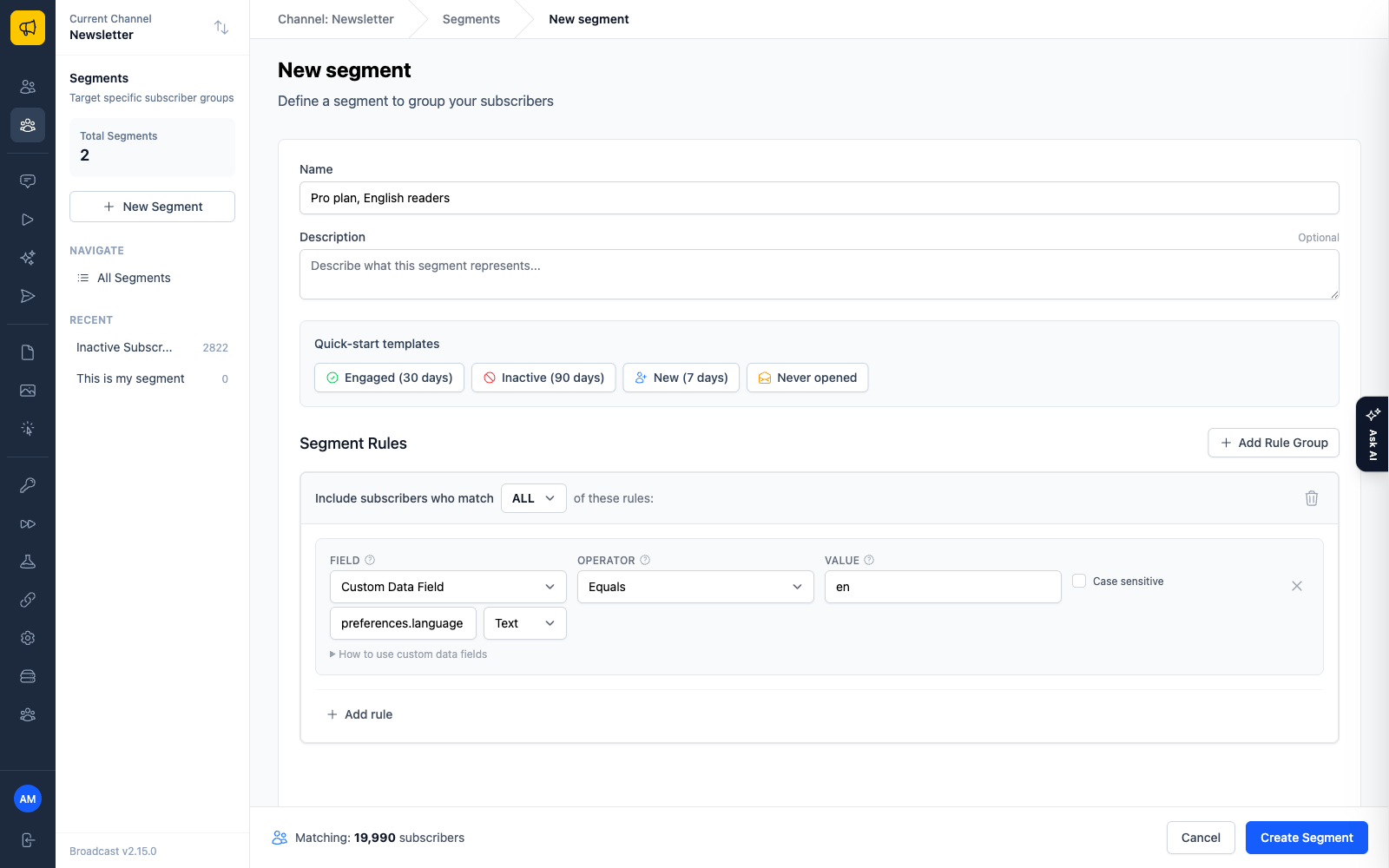
This was the second half of a pair. Version 2.5, two days earlier, made segments able to filter on any key in a subscriber’s custom data JSON: text, number, date, and boolean comparisons, with dot notation for nested keys like preferences.language, and a live preview count that updates as you type the key. That release made segments able to see your data. This one made them able to see time properly.
Together they’re what turns segmentation from a filing system into something closer to a query language: your fields, your comparisons, and a definition of “recently” that doesn’t need a maintenance schedule.
Read Your List, Your Data Model for how custom data and segmentation fit together, or why one-time licensing means improvements like this arrive in a version you already own.
