Working in Two Channels at Once, Without Them Getting Mixed Up
A customer wrote in with a small description of a large problem. They run several channels in Broadcast, one per brand, and they had taken to opening two browser tabs so they could compare the two side by side. It did not work. Whichever channel they picked last became the channel in both tabs, and the tab they were not looking at gave no sign that anything had changed.
That is a bad failure, because it is silent. The page in the other tab still said what it said a minute ago. The subscriber list still looked like the subscriber list you opened. Nothing flashed or moved. The only way to find out was to do something.
Why it happened
Until this release, Broadcast remembered your current channel in your browser session. A session is shared by every tab in that browser, so there was only ever one answer to the question “which channel is this person in”, no matter how many tabs were open.
Switching channels in one tab changed that single answer, and every other tab silently inherited it. The URL in those tabs never changed, which is exactly why it was so easy to miss.
What changed
The channel is now part of the page’s address. Where a page used to live at /broadcasts, it now lives at:
/c/acme-newsletter/broadcasts
Each tab is therefore pinned to the channel named in its own address. Switching channels in one tab does nothing at all to another, because that other tab is not asking a shared question anymore. It is on a page that says which channel it belongs to.
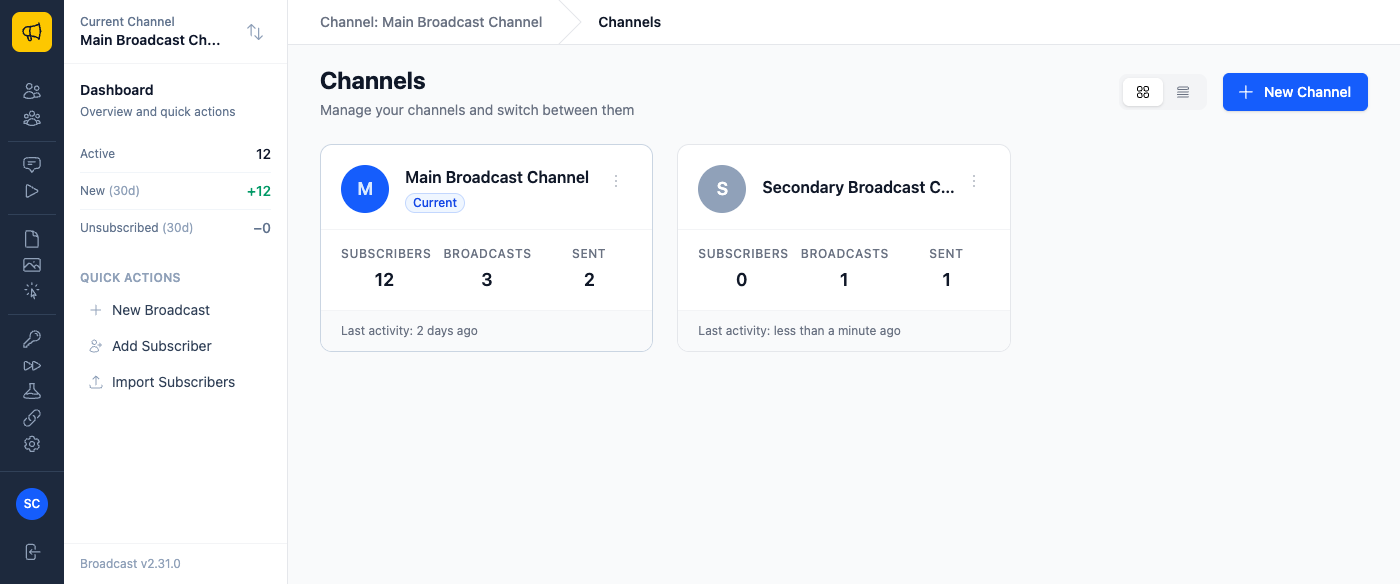
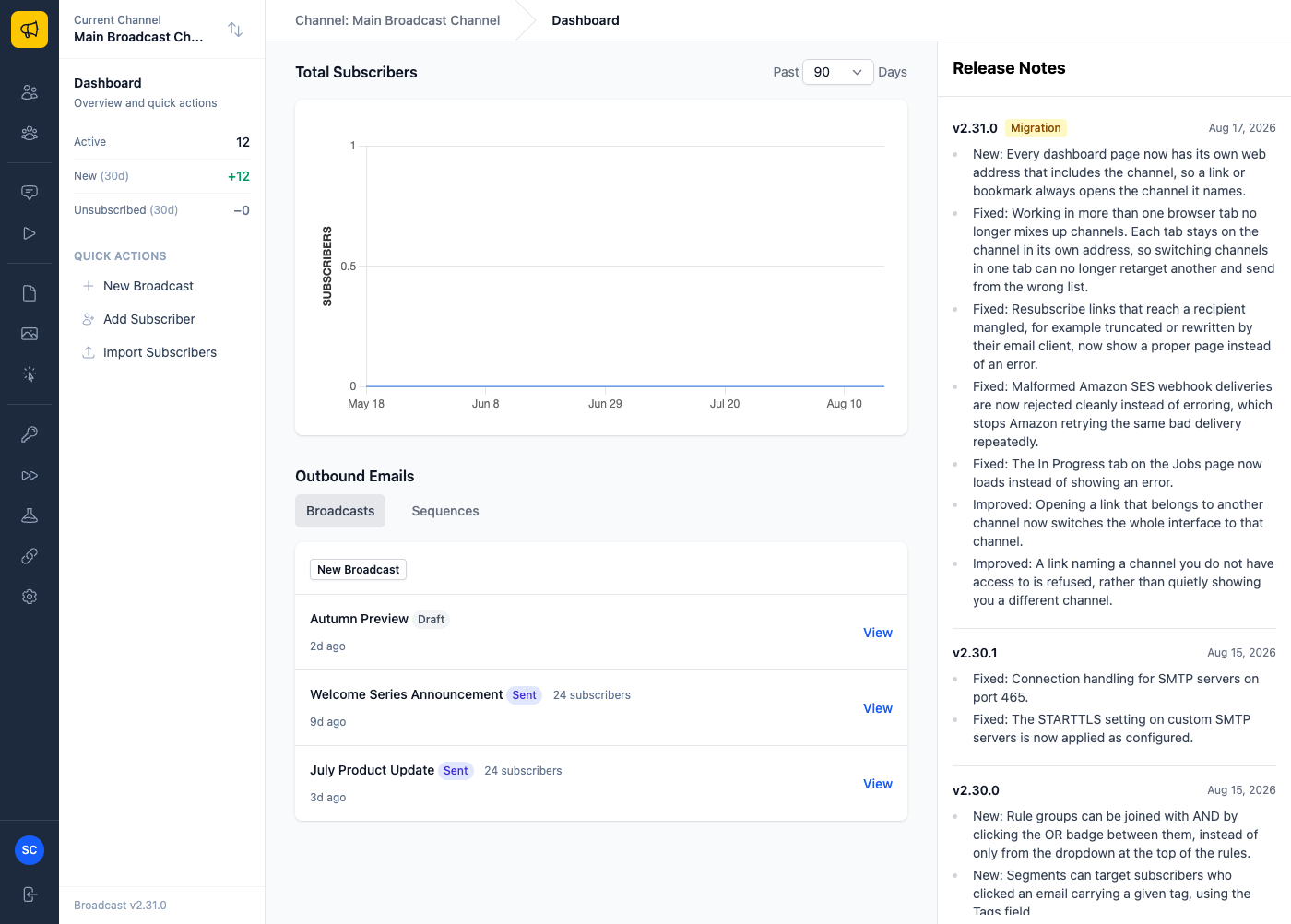
The channel you are in is still shown in the sidebar and the breadcrumb, as it always was. The difference is that the address bar now agrees with them, and keeps agreeing after you open a second tab.
Three things this makes possible
Comparing two channels honestly. Open your product newsletter’s broadcast list in one tab and your company announcements list in another, and read them side by side. Each tab stays put. Before this, the second tab you opened quietly retargeted the first.
Sending a colleague a link that means something. Paste a link to a broadcast into chat and the person who opens it lands on that broadcast, in that channel, regardless of which channel they were last working in. If they were in a different channel, opening your link switches them to the right one.
Bookmarking a channel you check often. If you look at one channel’s dashboard every morning, bookmark it. /c/acme-newsletter will always be that channel’s dashboard, not “whichever channel I used last”.
What deliberately did not change
Old links still work. A bookmark saved before you upgraded does not have the channel in it, so Broadcast sends it to the same page in the channel you last worked in. Visiting the site root still takes you to your current channel’s dashboard.
The channel portion of the address comes from the channel’s name when you create it, and it does not change if you rename the channel later. Rename “Acme Newsletter” to something else and every existing link keeps working.
The API is untouched. It was never scoped by channel in this way: API calls carry a token, or name the channel explicitly, and none of that changes. If you have an integration, you have nothing to do.
Neither are the links you have already sent to subscribers. Unsubscribe links, opt-in form addresses, tracking links, and hosted file URLs are all unchanged, because those live in inboxes we cannot edit.
One deliberate piece of strictness: if you open a link for a channel your account cannot access, Broadcast tells you so instead of quietly showing you a different channel. Silently substituting something was the whole problem we were fixing, and it would have been odd to fix it in one place and keep it in another.
This shipped in 2.31, and there is nothing to configure. Existing channels get their addresses automatically when you upgrade.
More on organising your lists in the Channels documentation. If you are curious what else changed in the 2.x line, see what Broadcast 2.0 actually changed.
