Can I segment subscribers by behavior?
Yes. Segments are saved rule sets that match subscribers dynamically, so a segment stays current as people join, engage, or go quiet. You build one once and reuse it as a broadcast audience or as a sequence enrollment trigger.
What you can match on
- Tags the subscriber carries, or does not carry
- Engagement over a window, such as opened or clicked in the last 30 days
- Custom data you attached to the subscriber
- Subscription date and status
Rules combine with AND/OR, so “tagged customer and has not opened in 60 days”
is a single segment.
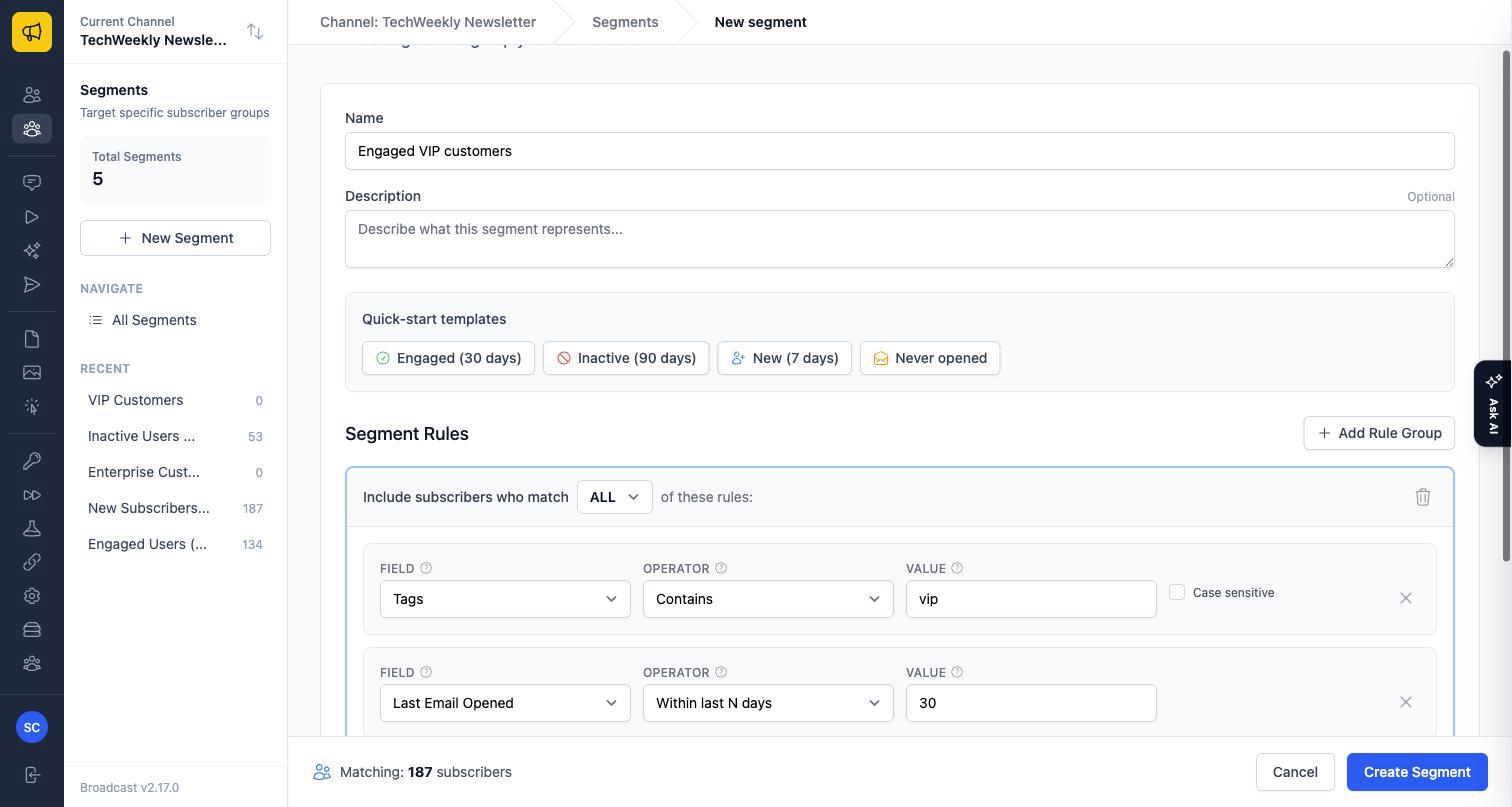
Where to build one
Segments live under Subscribers. The subscriber documentation walks through creating one, previewing how many people it matches before you rely on it, and duplicating an existing segment as a starting point.
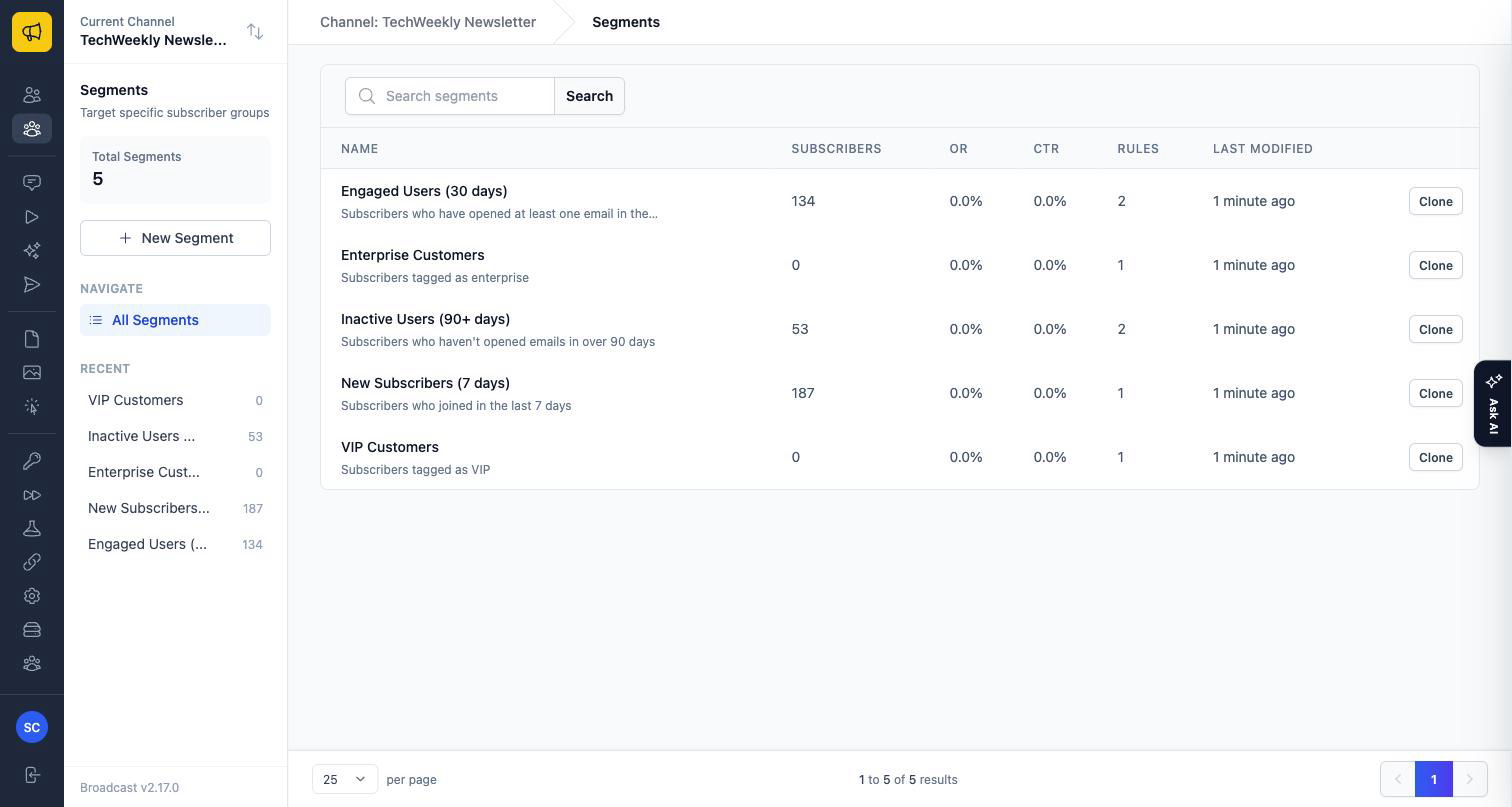
Using a segment
- As a broadcast audience. Pick it on the Audience tab when creating a broadcast.
- As a sequence trigger. Subscribers who match a segment can be enrolled in a sequence automatically.
- From code. The Segments API creates and manages segments programmatically, including the same AND/OR rule structure and engagement windows.
If this is not enough
Segments match on data Broadcast holds. If you need to segment on something it does not store yet, attach it as custom data on the subscriber first, through the Subscribers API or a CSV import, and then segment on that.
Still not sure it covers your case? Email us with the rule you are trying to express.
