Announce every release automatically, with an email you still get to approve
Shipping a release is the easy half. Telling your users about it is the half that slips. You cut the version, update the changelog, maybe write the blog post, and the announcement email joins the list of things you’ll do tomorrow. For us, “tomorrow” had a habit of becoming “next release”.
So we taught Autopilot to do the watching. In 2.26, an autopilot can trigger on your releases instead of a calendar. Point it at wherever your release information already lives, your changelog API, your GitHub releases, your blog feed, and every time a new version appears it drafts the announcement email for you.
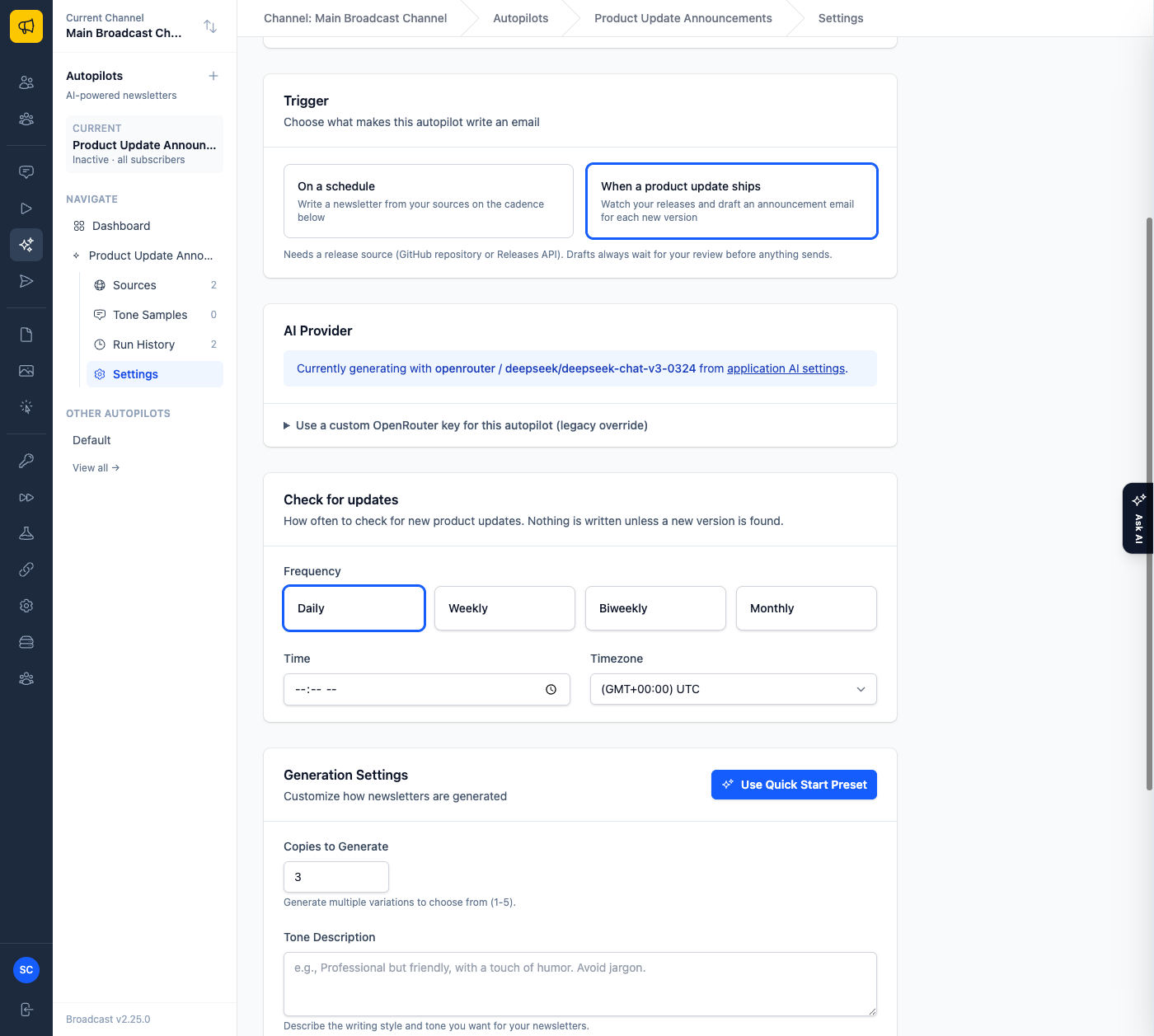
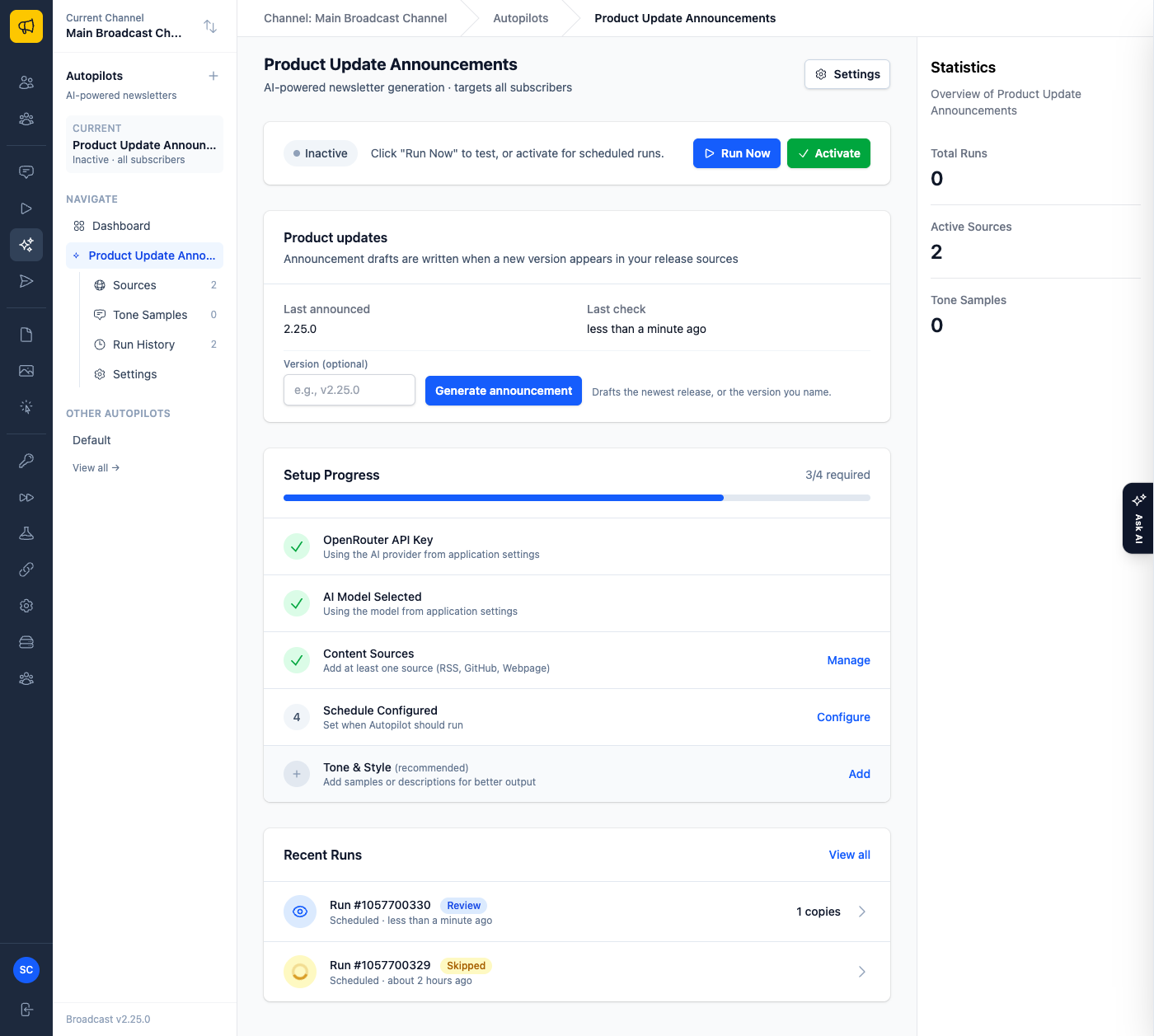
The checks are free in every sense. On each check the autopilot fetches your release sources, and if the newest version is one it has already announced, it records a skipped check and stops. No AI call, no draft, no noise. Only a genuinely new version produces a draft.
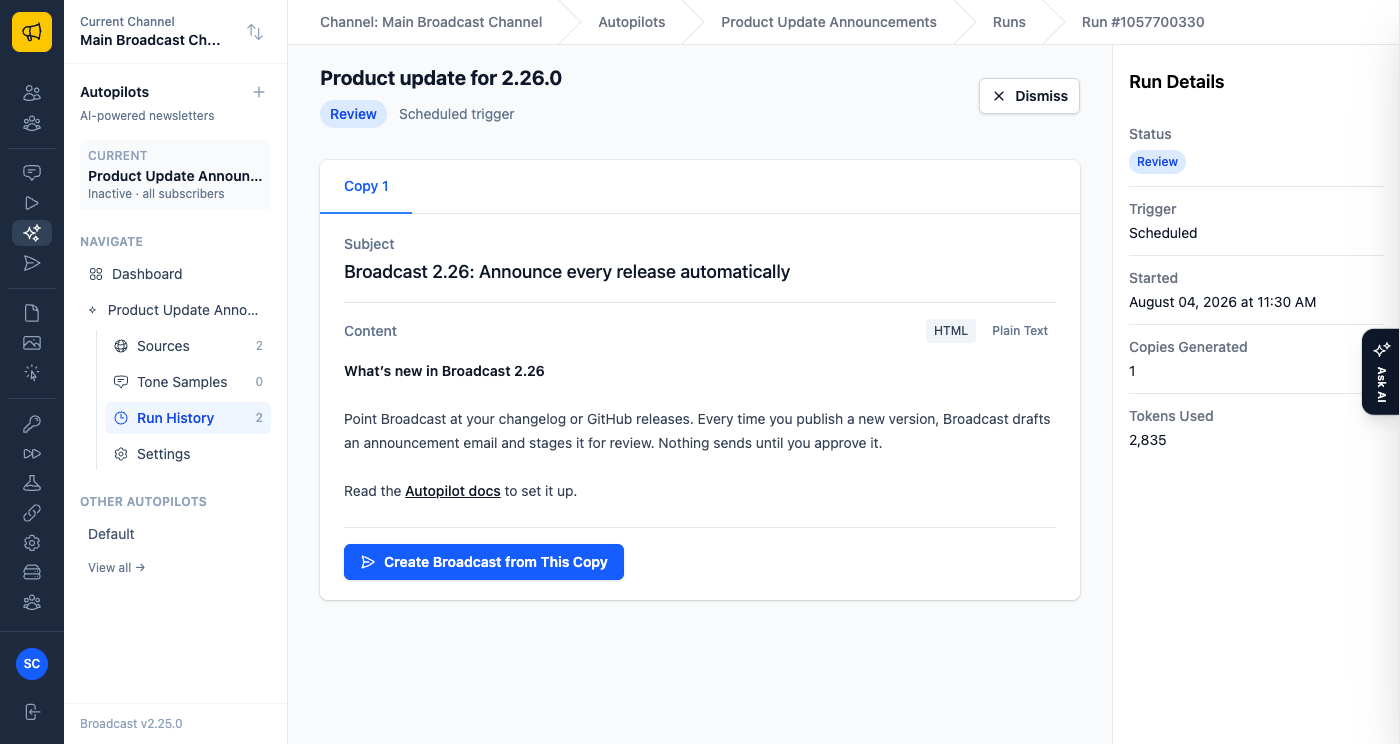
And a draft is all it produces. Nothing sends on its own, ever. The draft arrives in the same review screen as any other autopilot run, titled after the release, and you decide its fate: promote the copy you like into a broadcast, or dismiss it, which marks the version announced so it never comes back.
If your releases endpoint offers more than notes, the draft uses it. Feature highlights with screenshots get embedded in the email, and calls to action and release-tagged blog posts get linked as further reading. One rule we drew a hard line on: the AI can only use images and links that actually appear in your release data. During testing we watched a model quietly rewrite a screenshot filename into something plausible and broken, so anything it did not get from your sources is stripped before the draft ever reaches you.
You can also drive it by hand. The autopilot’s page gains a Product updates card with a generate action: leave the version blank to draft the newest release, or name one, useful for re-announcing an older version or catching up after a missed check.
A few concrete shapes this takes. A SaaS shipping every other week points a Releases API source at its changelog endpoint and adds its blog’s RSS feed as context; the Monday after each release, a drafted announcement is waiting that links the matching post. An open source project points at its GitHub repository with releases enabled; every tag becomes a draft. And if you want zero lag, your release pipeline can call the autopilots API the moment a version ships: one POST with the version number, and by the time you’ve opened Broadcast the draft is there for review.
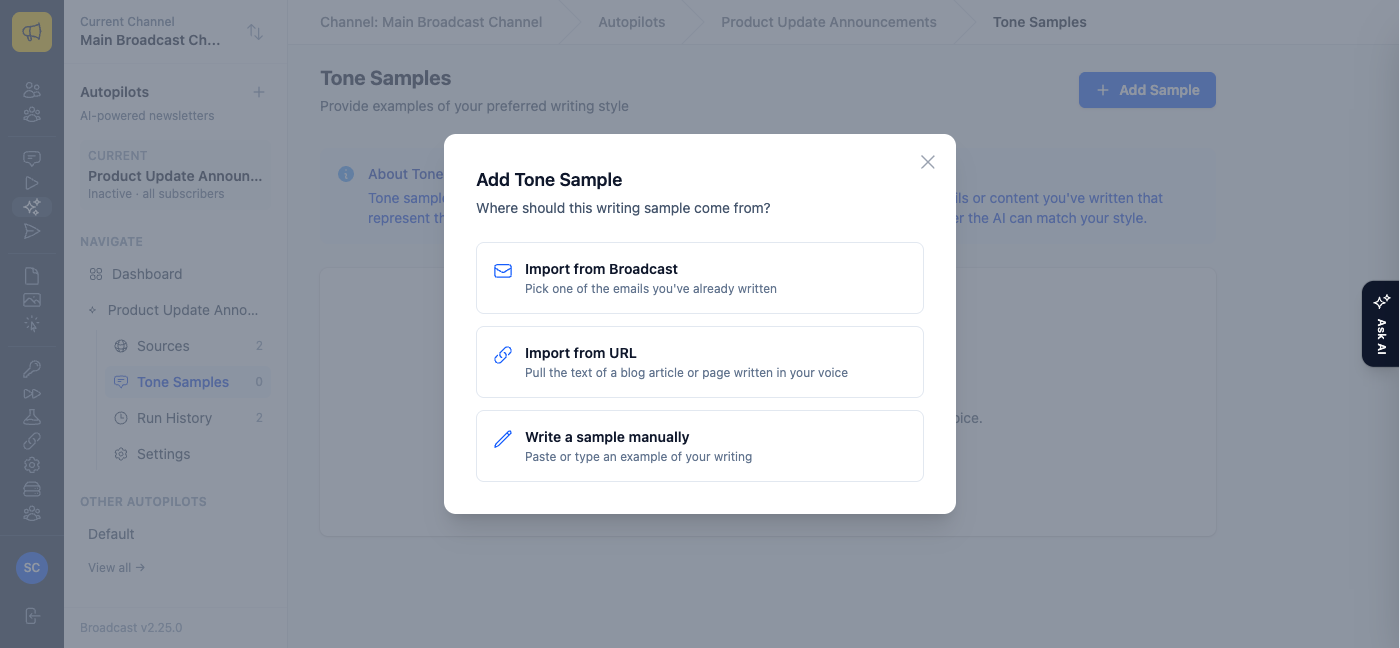
Two smaller things in 2.26 round this out. Tone samples, the writing examples that teach the AI your voice, no longer have to be pasted by hand: import one of your past broadcasts from a searchable list, or point at a blog article and its readable text becomes the sample.
And AI configuration got simpler: the settings formerly called AI Assistant are now AI Settings, the system-wide default for everything AI in Broadcast. Announcements use it with any provider, and scheduled newsletter autopilots can ride it too when its provider is OpenRouter, so a new autopilot no longer starts with a key-pasting ceremony.
This post, fittingly, describes the release that made its own announcement email. We pointed the first product update autopilot at sendbroadcast.net’s releases API while building it, and the draft it produced for 2.25 needed less editing than the ones we used to write from scratch.
Read the Autopilot guide to set up product update announcements, or see how we monitor self-hosted servers in 2.25.
