Can Broadcast write my newsletter for me?
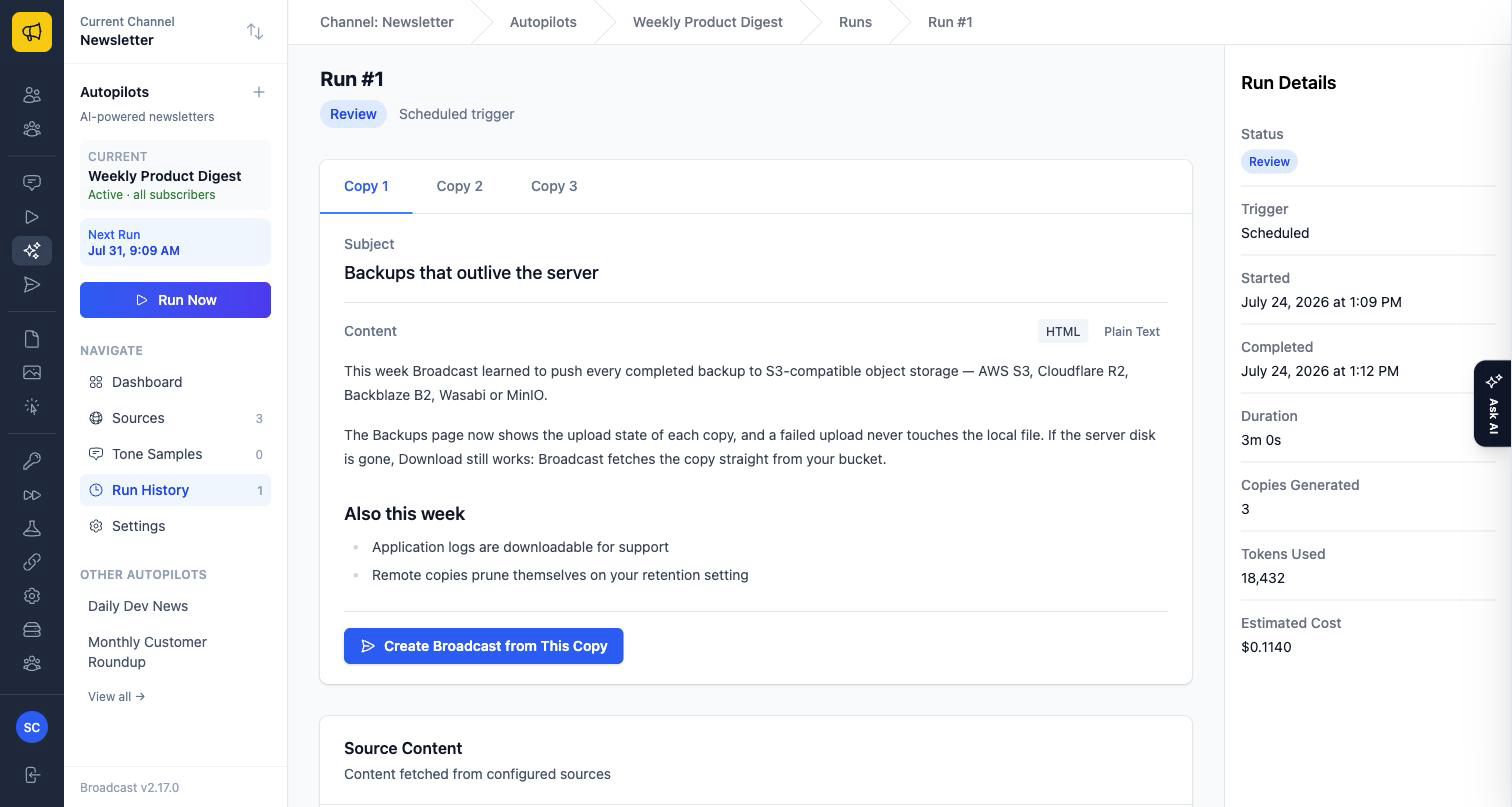
It can draft it. Autopilot pulls from sources you nominate and produces a broadcast draft on a schedule. You review before anything sends.
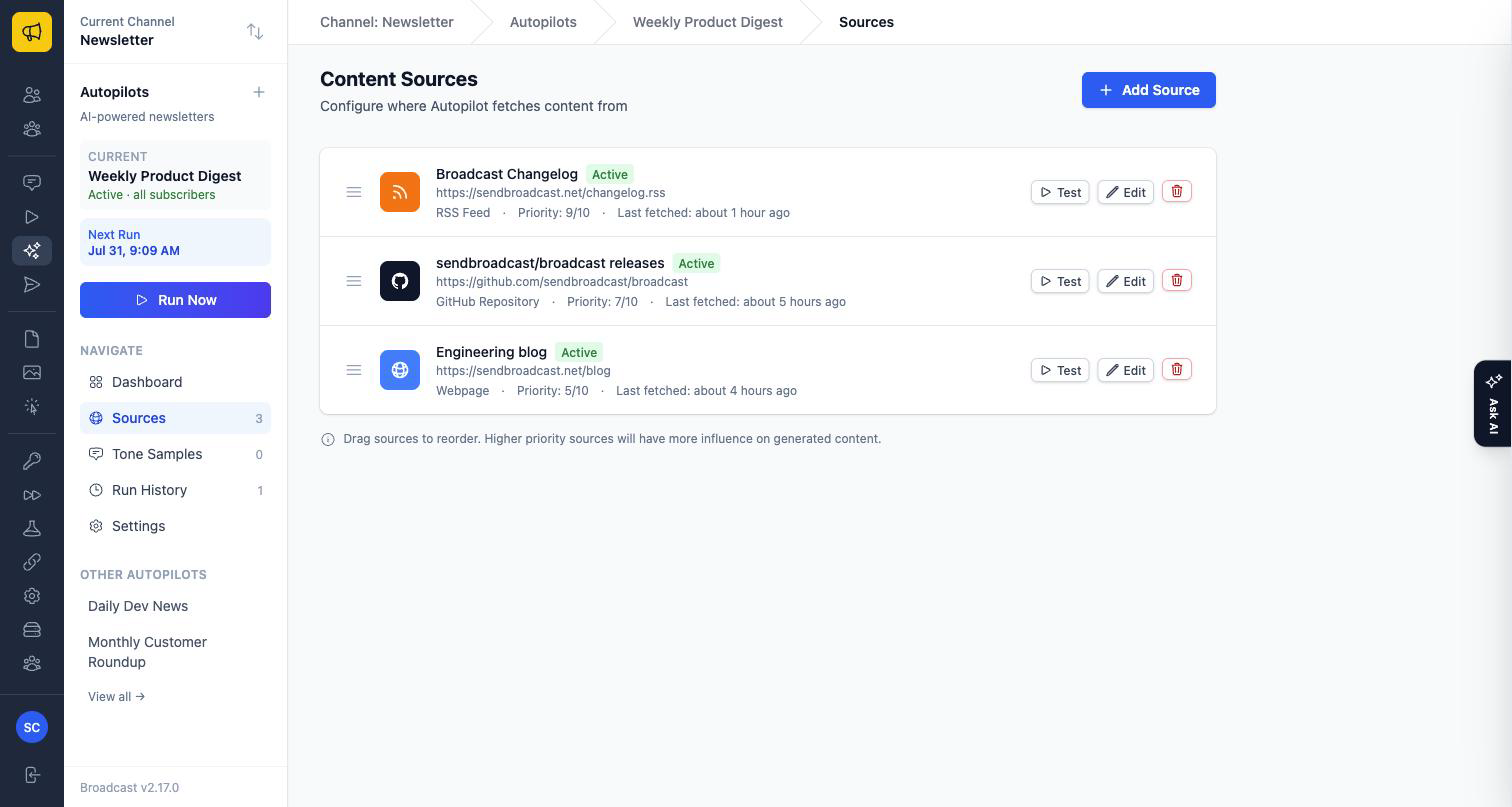
What it reads
- RSS feeds
- GitHub repositories
- Web pages
Sources have a priority order, and you can test a source to see what it pulls back before relying on it.
What you control
- Tone description, in your own words
- Content instructions for what to include and what to skip
- Newsletter structure
- How many copies to generate, so you can pick between variants
- Schedule, and which segment the result is aimed at
A channel can have several autopilots, each with its own sources, tone, schedule, and target segment. The Autopilot documentation covers setup step by step.
What you need
Your own OpenRouter API key, and a model choice. Broadcast does not resell AI credits, so you pay the model provider directly and you can pick the model that suits your budget.
What it does not do
It does not send without you. Autopilot produces a draft; sending stays a deliberate action. If you were hoping for fully unattended send, that is not what this is.
The other AI feature
Ask AI is separate: an assistant inside the dashboard that answers questions about your own channel data and can take actions with your confirmation. Autopilot writes newsletters; Ask AI answers questions about your account.
Ask us about sources or models.
