An AI That Reads Your Actual DNS
Ask any general-purpose chatbot why your emails are landing in spam and you’ll get a competent, well-organised, completely generic answer. Check your SPF record. Make sure DKIM is signing. Consider adding DMARC. Warm up your IP. It is all true and none of it is about you, because the model has never seen your domain.
The gap isn’t intelligence. It’s data. The model has no idea whether your SPF record includes the right sending source, whether your DKIM selector resolves, or whether the DMARC record you added in March is still there.
Broadcast already knew all of that. Since 2.13 it has been checking SPF, DKIM and DMARC for every sending domain on a schedule and comparing the results against a known-good baseline. Version 2.14 connects the two: Ask AI can now answer deliverability questions using your real check data.
Grounded beats knowledgeable
The difference in practice is the difference between advice and a diagnosis.
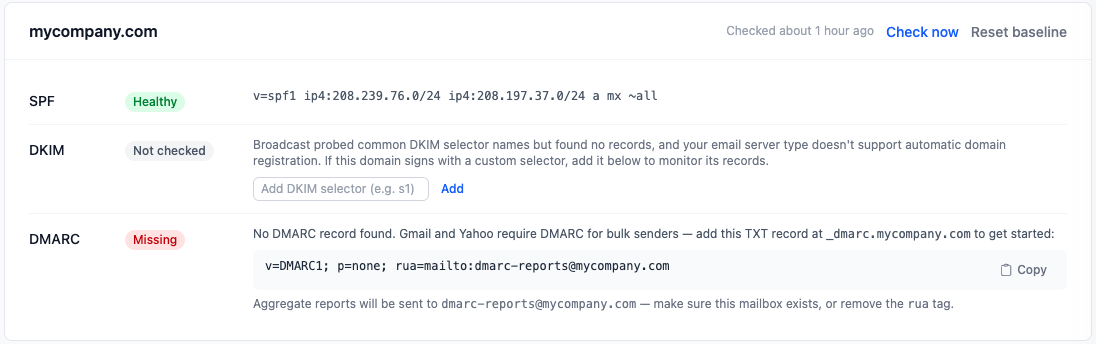
Ask “why might my emails be going to spam?” and instead of the checklist, the assistant can look at what your domains currently report: SPF healthy, DKIM never verified because your provider uses a randomized selector nobody added by hand, DMARC missing entirely. That’s not a lecture about email authentication. That’s three specific things wrong with your setup, in priority order, from data collected an hour ago.
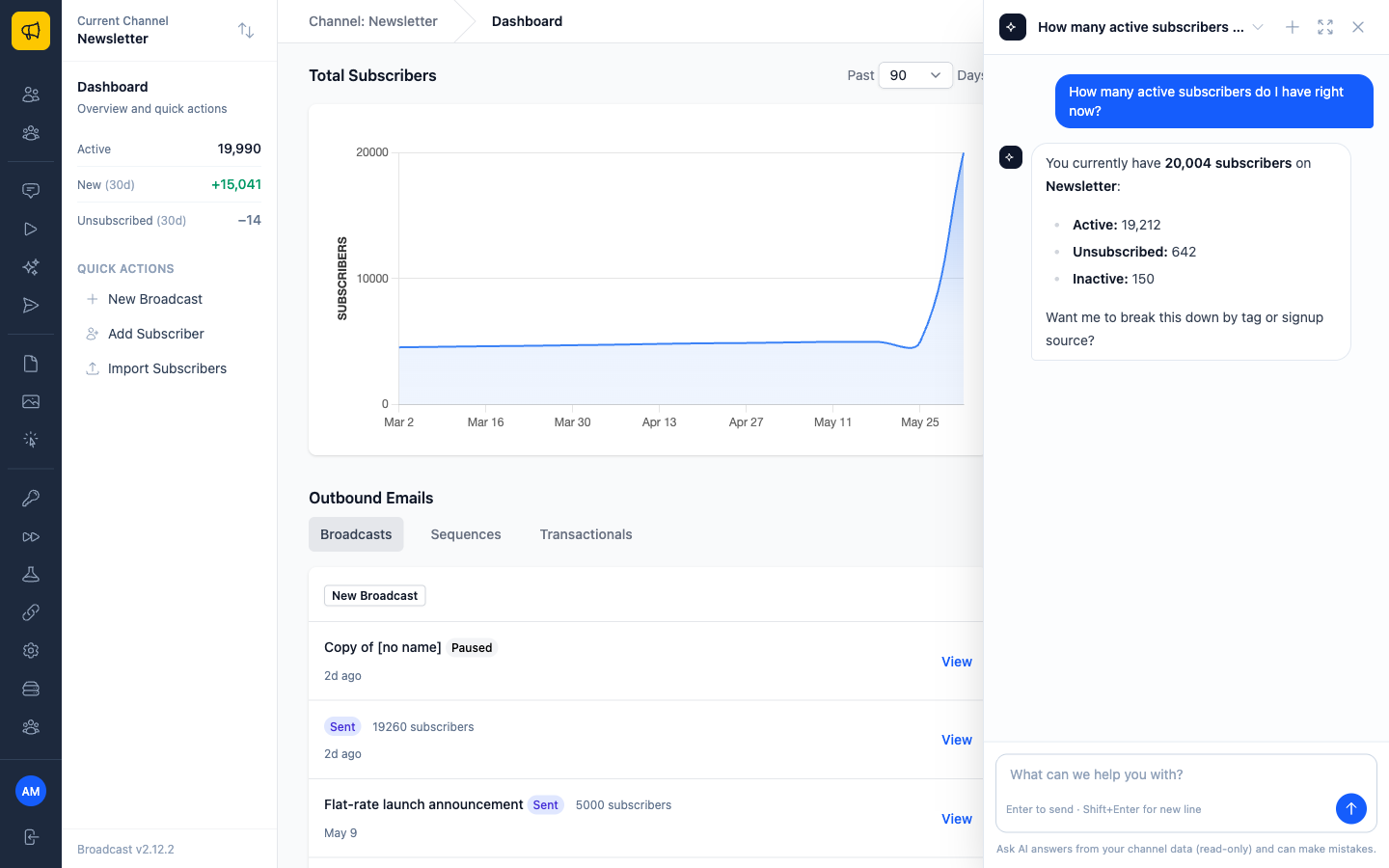
It’s the same principle behind everything Ask AI does. It answers from your channel’s data rather than from a general impression of how email software works. Deliverability was the most valuable place left where it was still guessing, because deliverability is exactly the topic where generic advice is most abundant and least useful.
Three questions worth asking it
“Is anything wrong with my sending domains right now?” A single answer covering every domain on the channel, rather than you opening the DNS Health page and interpreting three records per domain yourself.
“I moved my DNS to Cloudflare last week. Did anything break?” This is the one that actually bites people. Records get recreated by hand during a migration and one of them comes back subtly wrong. Broadcast has both the baseline and the current state; the assistant can say what changed rather than what should exist.
“Gmail is rejecting my mail. Where do I start?” With DMARC now effectively mandatory for bulk senders at Gmail and Yahoo, the answer to that question depends entirely on whether you have a DMARC record, which is a fact about your DNS, not a fact about email.
For anything it finds, the Domain DNS Health page has the details and, where a record is missing, a ready-to-copy starter to fix it.
The fixes that shipped with it
Two smaller things landed in 2.14, both in the category of “the software was lying to you by staying quiet”.
Ask AI used to show an empty bubble while working on answers that required looking something up. The progress indicator vanished, the answer hadn’t arrived, and the natural conclusion was that it had broken. The indicator now stays visible until the answer is actually ready. No code change to the model, just refusing to render a state that reads as failure.
The Application Logs viewer had a similar problem in a different place. Start streaming and you’d see nothing until the next log line was written, which on a quiet install could be minutes, indistinguishable from broken. It now shows recent history immediately when you start streaming, and tells you when the log file looks stale rather than sitting there silently empty.
Both are the same lesson, which self-hosted software teaches you repeatedly: when something is slow or idle, saying so is a feature. Silence gets read as failure, and a user debugging a problem you don’t have is worse than a user seeing an honest “nothing here yet”.
Read more about Ask AI and how it keeps subscriber data on your server, or why your SPF record will break when you least expect it for the monitoring this is built on.
